Creating New HubSpot Properties via Integration
Last updated: January 8, 2026
SyncSmart can automatically create new custom HubSpot properties if a field exists in ConnectWise but not yet in HubSpot.
To enable this:
In the Field Mappings tab, select Add new field.
Choose your ConnectWise field.
Select the icon just to the left of the sync direction box.
Enter the name of the new HubSpot property.
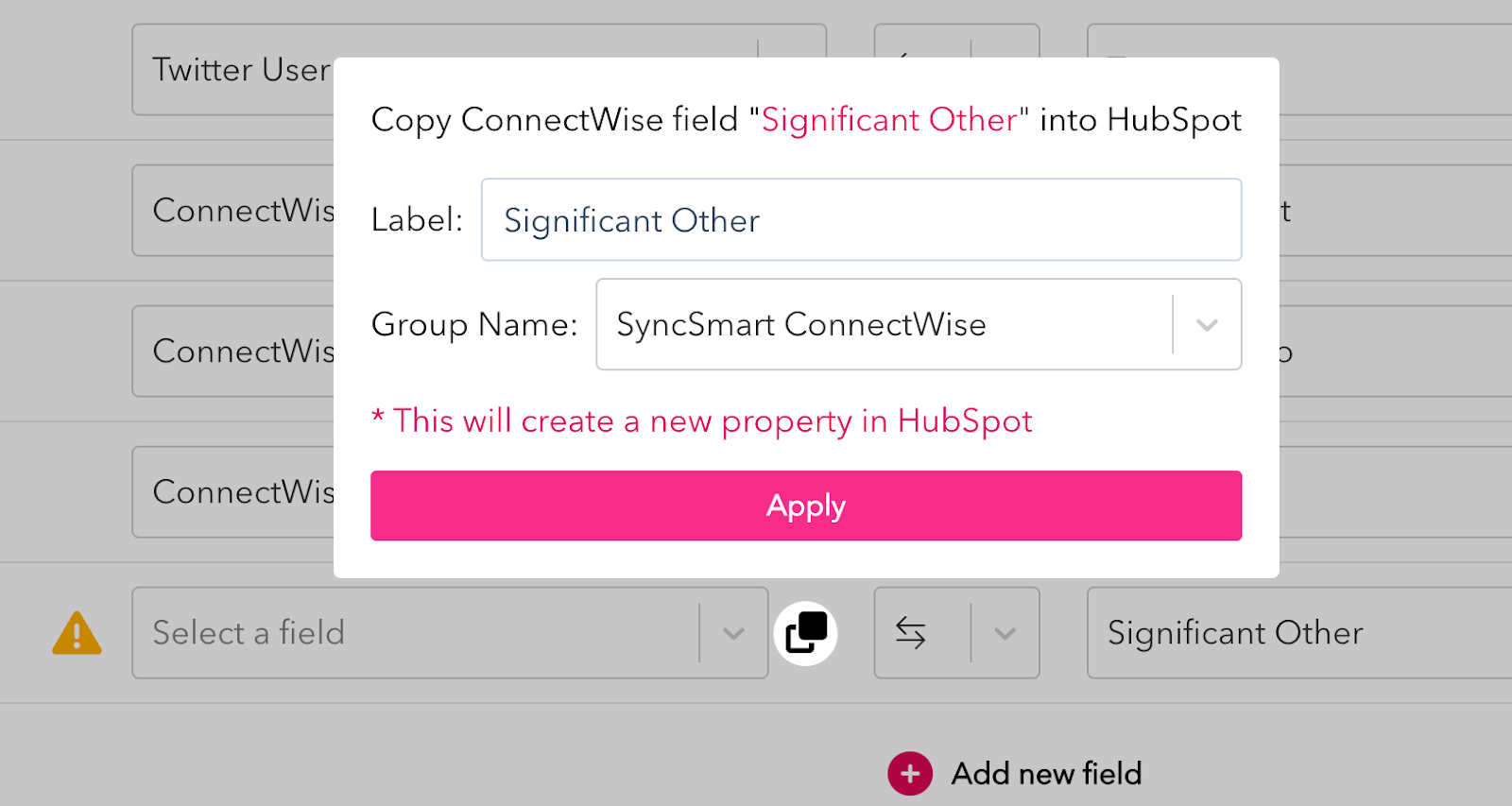
Select the property group you want the field to belong to.
Click Apply.
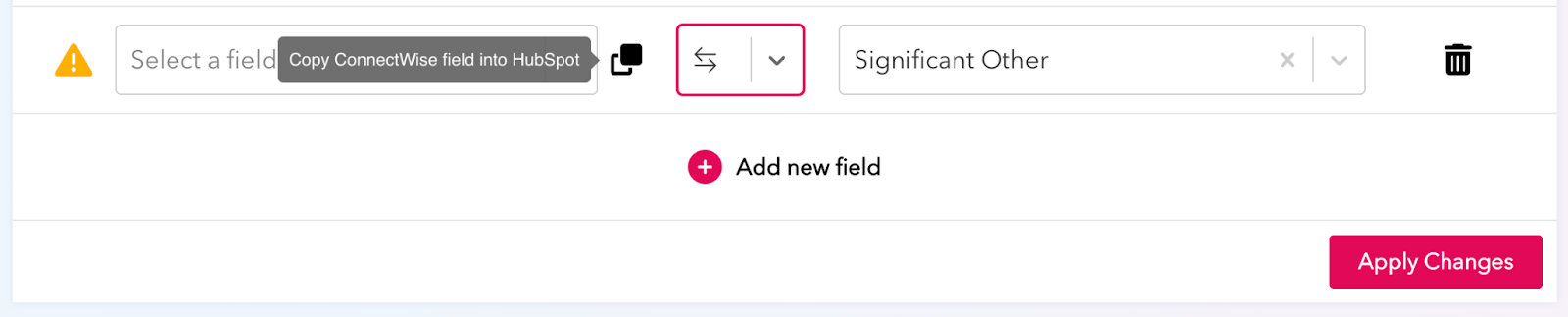
⚠ Note: SyncSmart cannot auto-create custom fields in ConnectWise.